Connecting Maxim Money to HMRC
Connecting Maxim Money to HMRC
Before you can connect anything, you need to make sure you have signed up for MTD for Income Tax. Please visit https://www.gov.uk/guidance/sign-up-for-making-tax-digital-for-income-tax first if you haven't already done so.
Once your HMRC account is set up for MTD, go to Settings. You should see an HMRC tab. (If this tab is not visible, please ensure your Windows Region is set to United Kingdom)
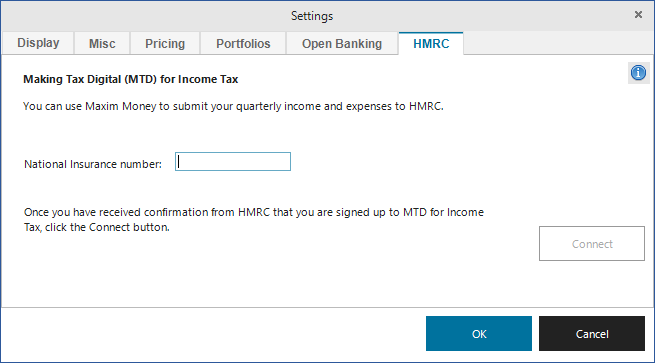
Enter your National Insurance number in the box, and click Connect. This will open your browser on the HMRC website, where you will need to log in with your Government Gateway credentials. It will then request permission like so:
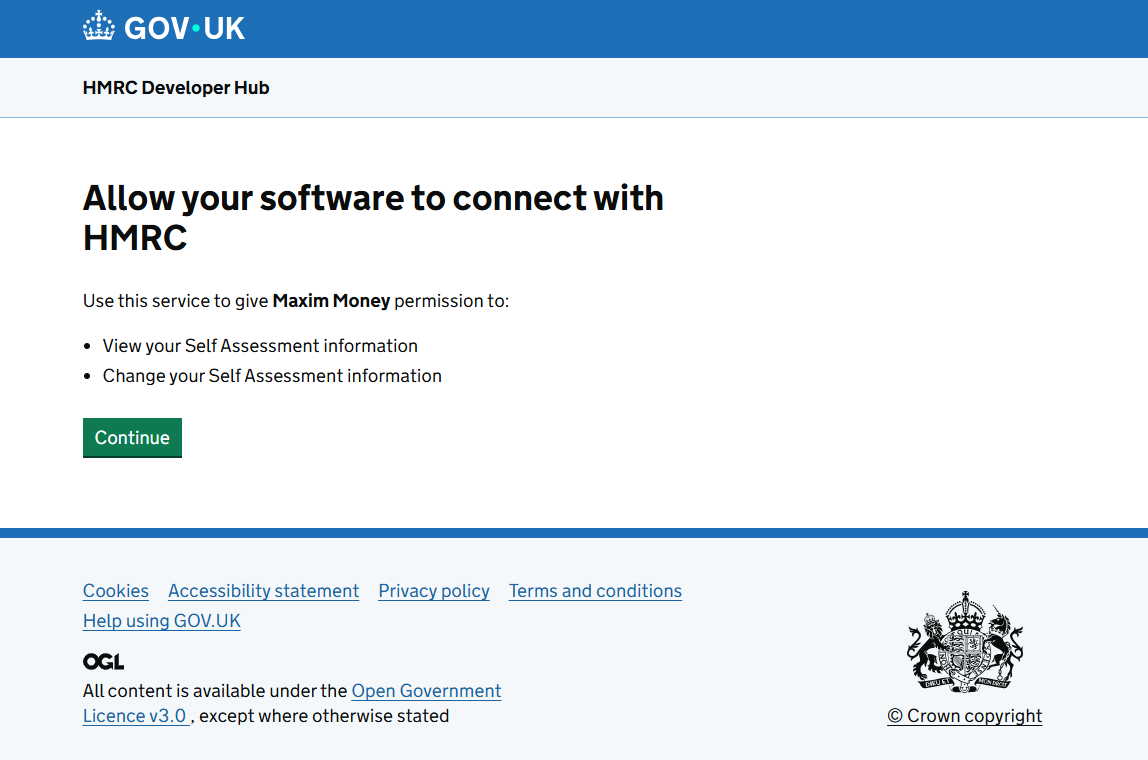
Once you click Continue, you will be redirected back to the Maxim Money website. At this point, you can close your browser and return to Maxim Money.
You should now see a new icon in the Main toolbar.
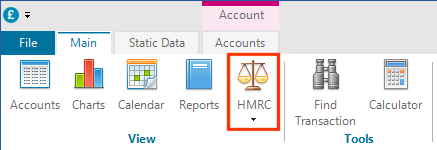
You are now connected to HMRC!
Next step: Setting up your MTD Business